Introduction
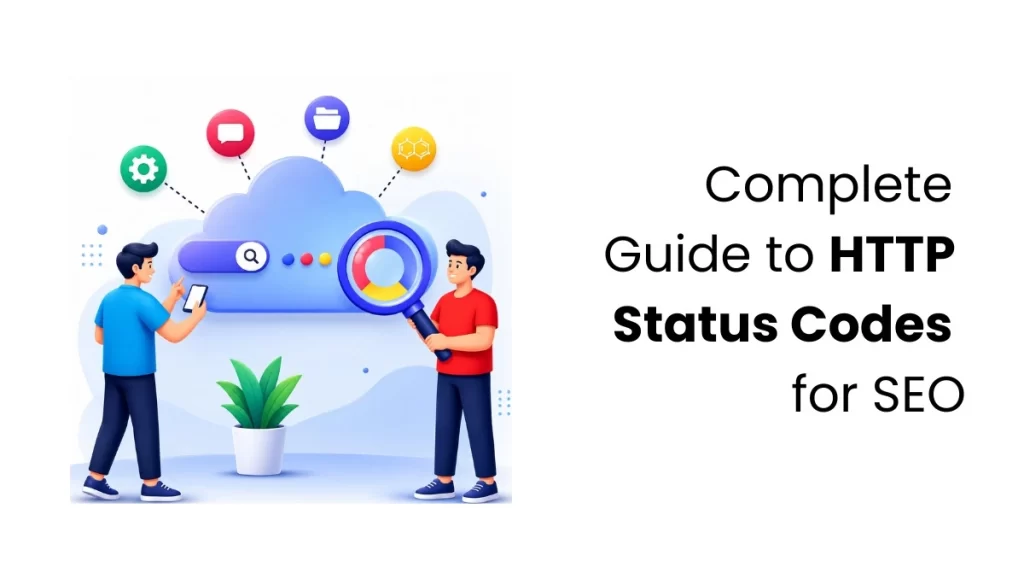
When you visit a website, click a link, or submit a form, your browser sends a request to the server. The server returns an HTTP status code, a three-digit number that indicates the result of your request. It allows your browser to know whether everything worked as expected, something went wrong, or an extra step is needed to complete the request. One of the most familiar examples is the 404 Not Found error, which appears when the page you’re trying to access cannot be found.
While most people notice these codes only when an error appears, they are important to website owners and developers. HTTP status codes help you identify and fix website issues quickly. They also improve the user experience and make it easier for search engines like Google to crawl and index your website, which can support your SEO efforts.
In this blog, you’ll learn what HTTP status codes are, why they matter, the different types of status codes, and the most common ones you should know. Whether you’re a beginner learning web development or someone managing a website, this guide will help you understand HTTP status codes in a simple and easy-to-follow way.
What Are HTTP Status Codes?
HTTP status codes are three-digit numbers that a server sends back after receiving a request from a browser or another client. These codes tell you the outcome of the request and help your browser understand what happened. They indicate whether the request was successful, whether some action is required, or whether an error occurred.
HTTP status codes provide valuable insights into how your website responds to requests. Once you understand them, you can quickly spot issues, fix them, and ensure your website works excellently for both your visitors and search engines. By understanding these codes, you can improve the user experience and help search engines crawl and index your website more efficiently.
Types of HTTP Status Codes
HTTP status codes are classified into five categories by the first digit, helping you quickly understand a request’s result.
Let’s look at each category and the most common status codes you should know.
1xx Informational Status Codes
1xx status codes show that the server has received your request and is processing it. These replies happen behind the scenes while the request is being processed, so most users never notice them. They help keep the communication between the browser and server running smoothly.
Common 1xx Status Codes
- 100 Continue – The server has received the first part of your request and is ready for the rest. You’ll usually see this when uploading large files, as it confirms the upload can continue.
- 101 Switching Protocols – The server agrees to switch to a different communication method. For example, it may upgrade an HTTP connection to a WebSocket connection for real-time communication.
- 102 Processing – The server is still working on your request and needs a little more time to finish it. This lets the browser know that the request is still being processed and hasn’t failed.
2xx Success Status Codes
2xx status codes suggest your request was successful. The server received it, understood it, and finished it without any problems. These are the status codes you want to see because they confirm that everything worked as expected.
Common 2xx Status Codes
- 200 OK – The server successfully processed your request and returned the requested content.
- 201 Created – Your request was successful, and something new was created. For example, this happens when you create an account, submit a form, or add a new record.
- 202 Accepted – The server has received your request and accepted it, but it will complete the task later. This is common when the request takes time to process.
- 204 No Content – This commonly occurs after update or delete operations in APIs, where no response body is required.
3xx Redirection Status Codes
The 3xx status codes indicate that the requested resource has moved or that another action is required before the request can be completed. Redirection plays an important role in website maintenance and SEO because it helps users and search engines find the correct page.
Common 3xx Status Codes
- 301 Moved Permanently – The requested page has permanently moved to a new URL. Search engines usually transfer most of the SEO value from the old URL to the new one.
- 302 Found – The requested page has temporarily moved to another URL. Search engines generally continue to treat the original URL as the primary one because the change isn’t permanent.
- 303 See Other – The browser should retrieve the requested resource from another URL using a GET request. This is commonly used after submitting a form to prevent duplicate submissions.
- 304 Not Modified – The browser can use its cached version because the page hasn’t changed.
- 307 Temporary Redirect – The browser is redirected to another URL while keeping the same HTTP request method, such as POST.
- 308 Permanent Redirect – The resource has permanently moved to a new URL, and the browser preserves the original HTTP request method.
4xx Client Error Status Codes
The 4xx status codes indicate a problem with the client’s request. In most cases, these errors happen due to an incorrect URL, missing authentication, or invalid request data.
These errors usually require the user or developer to correct the request before trying again.
Common 4xx Status Codes
- 400 Bad Request – The server couldn’t process your request because something was missing or entered incorrectly.
- 401 Unauthorised – You need to sign in first, or your login details are incorrect.
- 403 Forbidden – You’re signed in, but you don’t have permission to access this page or resource.
- 404 Not Found – The page or resource you’re looking for can’t be found. It may have been moved, deleted, or the URL might be incorrect.
- 405 Method Not Allowed – The action you’re trying to perform isn’t allowed for this page or resource.
- 408 Request Timeout – The server waited too long for the client to complete the request and closed the connection.
- 409 Conflict – Your request couldn’t be completed because it conflicts with existing data. For example, you might be trying to create something that already exists.
- 410 Gone – The page or resource has been permanently removed and is no longer available.
- 429 Too Many Requests –The client has sent too many requests within a given time period. The server temporarily limits additional requests to prevent overload.
5xx Server Error Status Codes
5xx status codes indicate that the server received your request but encountered an error while processing it. The problem is on the website’s side, not yours, so it usually needs to be fixed by the website owner or server administrator.
Common 5xx Status Codes
- 500 Internal Server Error – A general server error occurred, but the exact cause isn’t specified.
- 502 Bad Gateway – Something went wrong while the server was communicating with another server, so your request couldn’t be completed.
- 503 Service Unavailable – The server is temporarily unavailable because of maintenance or heavy traffic.
- 504 Gateway Timeout – The server couldn’t complete your request because another server didn’t respond in time.
Conclusion
You may not notice HTTP status codes while browsing a website, but they are always working in the background. These codes help you understand if everything is working properly or if something needs attention. Knowing how they work can help you maintain a better, faster, and more user-friendly website.
If you’re a website owner, developer, or digital marketer, understanding HTTP status codes can help you maintain a healthy website and support your SEO efforts. If you want to learn more about technical SEO, website optimisation, and other essential digital marketing skills, joining a digital marketing course in Kochi is a great way to get hands-on experience and stay up to date with industry best practices.
FAQs
1. How can I find HTTP status code errors on my website?
Tools like Google Search Console and website audit tools can help you easily find HTTP errors on your website. They review your pages and highlight issues such as broken links, missing pages, redirect errors, and server errors. Fixing these problems as soon as possible helps keep your website working properly and makes sure visitors and search engines can access your pages without trouble.
2. How often should I check HTTP status codes on my website?
Make it a routine to check HTTP status codes, particularly after website changes. Use the results of these checks to fix issues right away, helping to preserve both visitor experience and SEO rankings.
3. Can HTTP status codes affect website rankings?
HTTP status codes can affect your website’s SEO rankings. Issues with broken pages, incorrect redirects, and server problems impact user experience and can prevent search engines from properly crawling your website.
4. Can fixing HTTP status errors improve SEO?
Yes, fixing HTTP status errors can improve SEO performance. Proper handling of broken links, redirects, and server errors helps search engines crawl your website more efficiently and provides a better experience for visitors.
5. Do HTTP status codes affect website speed?
Yes, some HTTP status codes can indirectly affect website performance. For example, too many redirects or repeated server errors can slow page load times and create a poor user experience.